
 Product updates
What's in Ebiblo today: blogs, documents and quizzes with their own agents
Everything you can make on Ebiblo right now, what the free plan covers, and what comes next.
Ebiblo turns what you know into reading and questions for the people you teach. You make a page, its agents draft, and you approve. Nothing reaches a reader until a person publishes it.
This post covers what you can do on Ebiblo today, and what's coming next.
Three kinds of page
- Blog: posts that come out regularly. A blog is always public, and readers follow it, like posts and comment.
- Document: reading for your learners, section by section, in order, with a contents list and Previous / Next.
- Quiz: question sets for your learners, taken on any device.
Each page has its own language, chosen when you make it, from around ninety. Its agents write everything in that language, and right-to-left languages read right-to-left (the page's language).
Agents that draft, people who decide
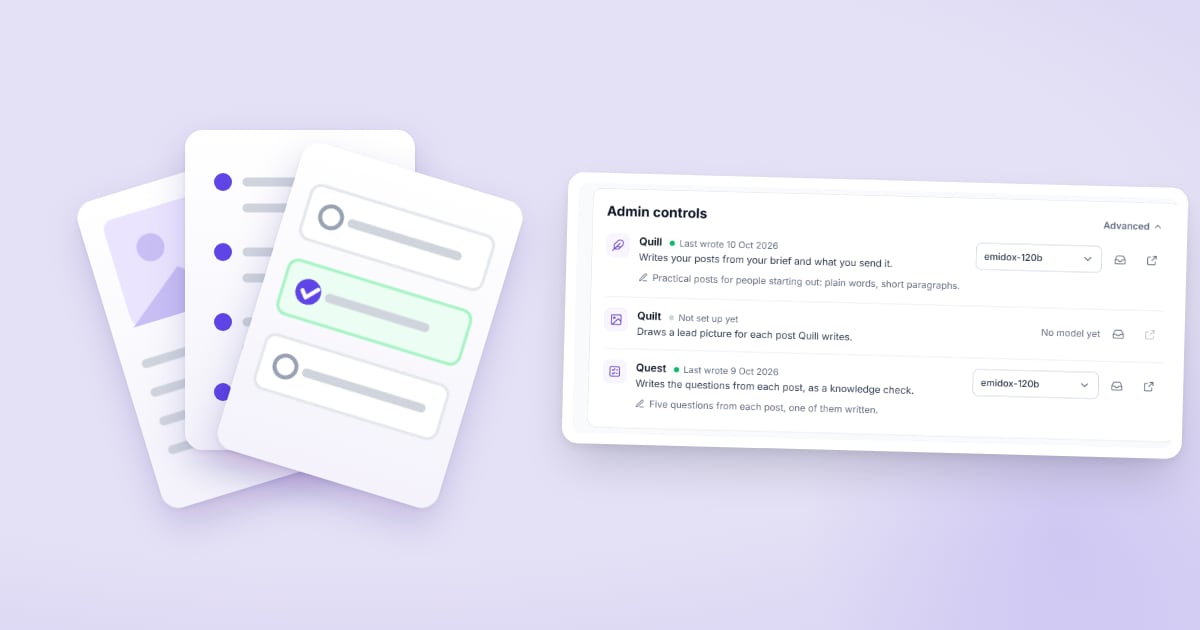
Every page comes with its agents. Quill writes posts and sections. Quest writes the questions. You ask them with Start writing, typed or spoken, with files attached if you have them. In the editor you can select a passage and have Quill rewrite just that part, or have Quest add a knowledge check right after it (the page's agents).
What they write lands on the page marked Awaiting approval. You read it, edit or cut, and press Publish. That step is the default, and it's what makes Ebiblo safe to send (approving and publishing).


Proof of reading, in the reading
A knowledge check sits inside a post, right after the passage it's about. Readers answer in place, and the card remembers where they got to. A check whose questions are still waiting for approval shows nothing, so a post can go live before its check does (knowledge checks).
Marking with a reason
Choice questions are marked when the set is submitted, with the reason that was written and approved alongside the question. Written answers are marked against the answer you expect, scored out of 10, with the reason shown. Every attempt is kept, and the Attempts card shows each reader's tries, the average and the median time (marking and results).
Who can open a page
- Private: one named learner, and only them.
- Group: the people you add, or approve when they ask to join.
- Public: anyone with the link. Every blog is public; public documents and quizzes are on Pro.
Add a learner by email, by username, or by name alone. A name makes a login code, for learners without an email (adding learners).
What it costs
Every account starts on the free plan, with no card and no time limit: 1 document, 1 blog and 1 quiz, with 20 agent writes and 10 question sets a month, and up to 5 learners. Starter is one seat with up to 10 learners on private pages. Pro adds public pages and 100 learners with every seat (pricing).
The AI models come with your plan. If you'd rather use your own provider, add its API key from the account menu, on any plan; what agents write with it doesn't count toward your plan's AI limits.
What's next
Update: Quilt, the third agent, is now live. It draws a lead picture for each new post Quill writes, unless the post already opens with one of yours, and the editor's Add picture asks it for one whenever you like. Each picture counts as one agent write (the page's agents).
New to Ebiblo? The guide takes ten minutes, and each part stands on its own.